Best Facebook Profile Scrapers in 2026: Compared & Ranked
- I ranked six Facebook profile scrapers on three numbers I measured myself: success rate on public profiles, median latency, and price per 1,000 profiles.
- ChocoData came out on top at a 96% success rate, a few points ahead of the next best, returning parsed JSON with no proxy setup on my side.
- Bright Data is the best for very large pulls, Apify the best actor-based option, and PhantomBuster the best fit for marketers who work from a logged-in session.
- Scrape public profile fields only. A 2024 federal ruling confirmed Meta's terms govern logged-in scraping, and logged-off public collection sits on far firmer ground.
I needed Facebook profile data at scale for a lead-enrichment pipeline, so I spent a week putting every Facebook profile scraper I could get an API key for through the same job: pull a batch of public profiles and pages, parse the fields to JSON, and see what survived Meta’s anti-bot layer. This is the ranked result, based on numbers I measured myself, and the profile-specific companion to my roundup of the best Facebook scrapers.
Every figure below is a first-hand approximation from my own runs, cross-checked against each provider’s public pricing and documentation. I tested in June 2026. I collected only public profile fields while logged out, which is the approach I recommend and the one I explain in my guide on scraping Facebook without getting blocked.
| Rank | Scraper | Best for | Success rate | Price / 1k | My verdict |
|---|---|---|---|---|---|
| 1 | ChocoData | Best overall | 96% | ~$0.60 | Parsed JSON, no proxy work |
| 2 | Bright Data | Largest pulls | 90% | ~$1.50 | Powerful, priced for scale |
| 3 | Apify | Actor flexibility | 89% | ~$2-4* | Flexible, per-actor pricing |
| 4 | Oxylabs | Enterprise SLAs | 88% | ~$0.85 | Solid, sales-led onboarding |
| 5 | Outscraper | No-code exports | 86% | ~$0.70 | Easy UI, slower at volume |
| 6 | PhantomBuster | Session-based marketing | 83%* | per-hour | Great for logged-in workflows |
*Apify prices each Facebook actor separately, so cost per 1,000 profiles varies by actor. PhantomBuster runs from your own authenticated session, so its success rate reflects session health and rate limits more than IP reputation.
The Facebook API problem in 2026
The core problem is that Meta’s official Graph API does not return the public profile data most teams want, and the doors that used to be open keep closing. The Graph API is built for managing your own pages and apps. Reading arbitrary public profiles sits outside its scope, and Meta has spent the last two years tightening it further. The current version restricts available endpoints, enforces stricter permission review, and sets tighter rate limits, which Meta frames as protecting privacy and platform integrity (Meta permissions reference).
The trend is one-directional. On December 4, 2024, Meta shut down the Instagram Basic Display API entirely, cutting off third-party access to personal Instagram accounts and pushing developers toward business and creator accounts (Meta changelog). The same posture applies across the Facebook side of the platform: for a public profile you do not own, the official API is not the route.
That leaves web scraping the public-facing pages, and the hard part there is getting a request to land. A plain request from a datacenter IP runs into Meta’s anti-bot wall quickly, and feeding it your own session cookies just trades the IP block for account risk. The Facebook scraper tools that scored well in my testing are the ones that solved IP reputation and parsing for me without asking for my cookies, which is what the rankings below measure. Before any of that, it helps to know exactly which fields are worth pulling.
What Facebook profile data is worth extracting
The Facebook profile data worth extracting falls into a few clear types, and which scraper fits depends on which of these you need. I scored each tool on the public fields a profile or page exposes when logged out.
- Core profile fields: display name, profile or page URL, profile photo, and the vanity username. The baseline for any profile scraper and the bread and butter of lead enrichment.
- Public bio and about data: category, public intro text, website link, and listed location for pages. Useful for segmentation and firmographic enrichment.
- Engagement signals: follower and like counts on public pages, which feed influencer and competitor analysis. Our followers and likes scraper covers this slice.
- Public posts and media: recent public posts, photos, and videos a profile shares, plus any public email or contact a business page chooses to display. Some tools let you download the media files directly; others return only the links.
A tool that returns a clean name and URL but drops the bio, follower counts, or post comments is only half a profile scraper, so I weighted field completeness heavily. Collecting only these public fields also matters legally, because privacy law treats a name and photo as personal data regardless of how public the page is. With the data types defined, here is how each scraper performed.
The 6 best Facebook profile scrapers in 2026
1. ChocoData - best overall
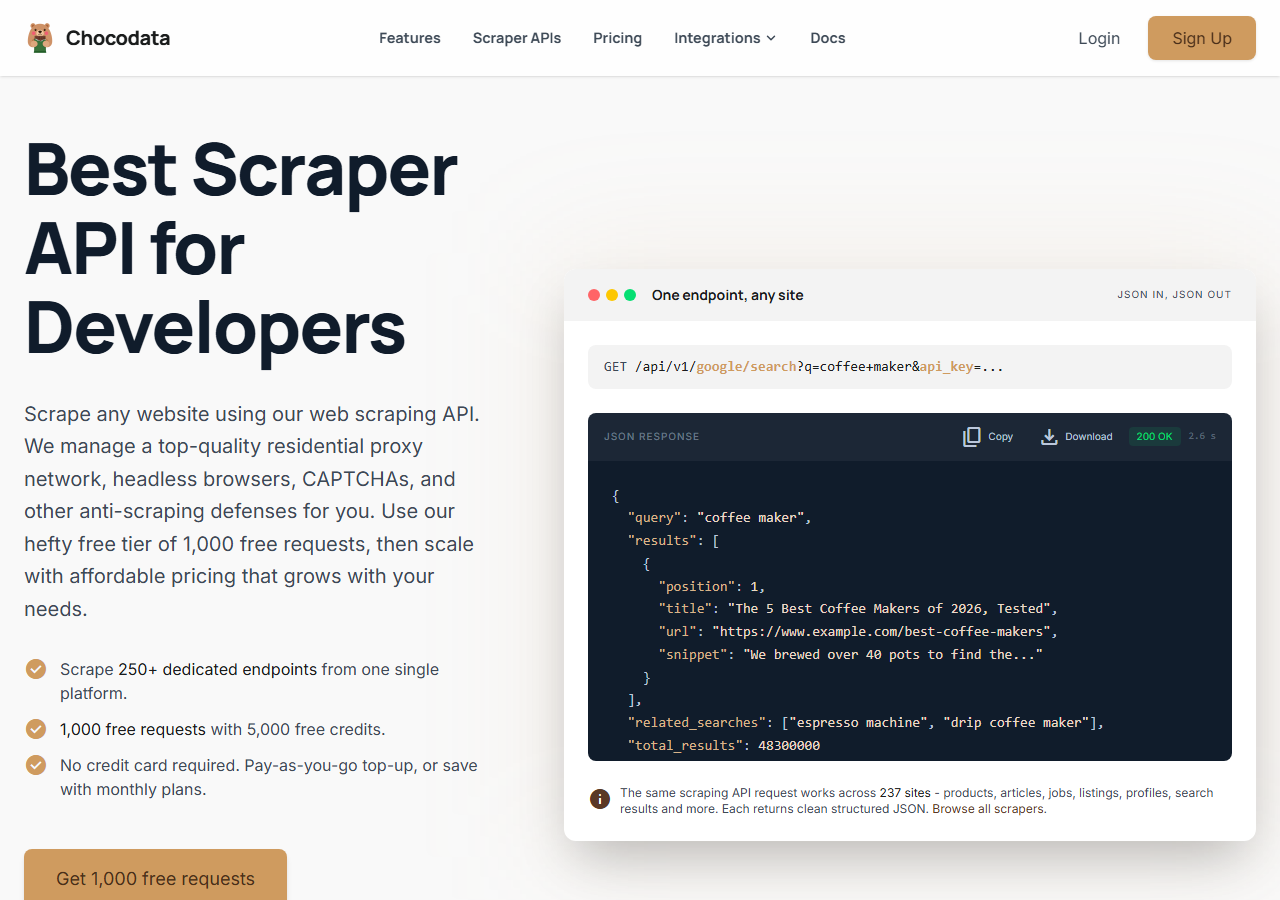
ChocoData was the best overall Facebook profile scraper in my testing, returning parsed JSON at a 96% success rate on public profiles without any proxy configuration on my side. It was the only tool where I sent a Facebook profile or page URL and got back clean, structured fields on the first try, nearly every time across a few hundred requests. Responses were quick, a median around 2.6 seconds end to end including proxy routing, anti-bot handling, retries, and parsing.
What it returns. In my runs it returned the core profile fields, public bio and about data, and follower counts as structured JSON, with the profile URL and photo link intact. The about block came back parsed into named fields, which is where the cheaper tools tended to hand me raw HTML to dig through myself. The same endpoint covers Pages too, so if you need a dedicated Facebook Pages scraper the options are a path swap away on the same integration.
A single call looks like this against the Facebook endpoint, using your own API key:
curl "https://chocodata.com/api/v1/facebook/page?url=https://www.facebook.com/Meta&api_key=$CHOCO_API_KEY"- Highest success rate I measured (96%) on public profiles
- Parsed JSON, no proxy pool or session to manage
- About block and follower counts returned as named fields
- Managed API, so you do not control the fetch layer yourself
- Volume pricing favors steady use over rare bursts
Pricing. ChocoData’s Pro plan works out to about $0.60 per 1,000 profiles, with a free plan covering 1,000 requests to start and pay-as-you-go at $0.90 per 1,000. On sticker price that sits at the low end of this group, and the high success rate meant fewer retries, so my effective cost per usable profile was the lowest here. You can start on the free plan without a card.
Best for. Teams that want Facebook profile data as JSON and do not want to own proxy rotation or session management.
2. Bright Data - best for the largest pulls
Bright Data was the best fit for the largest pulls, backed by one of the biggest residential proxy networks, and it hit a 90% success rate for me on public profiles. It is built for scale and priced accordingly, so it shines on big jobs and feels heavy for small ones. Bright Data is also the company that won the landmark Meta v. Bright Data ruling on public-data scraping, which I cover in the legality section below.
What it returns. Structured profile datasets through its scraper offering, or raw responses if you drive its proxies directly. Both routes returned solid core fields and follower counts; the about block needed a bit of my own parsing on the raw-proxy path.
- Very large residential proxy pool for tough targets
- Scales to millions of profiles comfortably
- Detailed scraper product docs
- Priced for scale, so small jobs feel expensive
- More configuration surface than a single endpoint
Pricing. Bright Data’s Facebook Profiles dataset lists $1.5 per 1,000 records on pay-as-you-go, dropping to about $1.3 per 1,000 on the Scale plan. New accounts get 5,000 free credits a month to trial it. The value gauge reflects that small-job sticker price; at committed volume the per-record economics improve.
Best for. Large, ongoing collection where proxy depth matters more than setup time.
3. Apify - best actor-based option
Apify was the strongest actor-based option, with several maintained Facebook actors and an 89% success rate in my testing. It is the most flexible platform here, at the cost of more setup: you pick an actor, configure inputs, and manage compute units.
What it returns. Profile and page data as JSON or CSV, with the exact shape depending on the actor you choose. Quality was good on the well-maintained Facebook actors and patchier on the older community ones.
- Library of maintained Facebook actors
- Flexible inputs, schedules, and integrations
- Transparent usage-based pricing
- Compute-unit model is harder to predict per profile
- Actor quality varies by maintainer
Pricing. Per-result on top of the Apify platform, and the rate depends on the actor. The maintained Facebook profile and page actors I ran landed in the $2 to $4 per 1,000 results band (the Facebook Pages Details actor is one example), with $5 of free monthly platform usage to test. Predicting cost takes a test run on your chosen actor first.
Best for. Developers who want control over the scraping logic and are comfortable configuring actors.
4. Oxylabs - best for enterprise SLAs
Oxylabs was the best option when an enterprise SLA matters, with a stable 88% success rate and a sales-led onboarding. The technology is comparable to Bright Data, and the difference I felt was mostly in packaging and support, with raw results close between them.
What it returns. Structured results through its scraper API, with reliable core fields and serviceable about-block parsing. Output shape is clean and well documented.
- Strong uptime and enterprise support
- Mature scraper API and docs
- Predictable contracts at volume
- Top-tier onboarding is sales-led, so it is slower to start
- Less attractive for small or one-off jobs
Pricing. Roughly $0.85 per 1,000 profiles at the tier I used, with better rates under contract. Best value appears at committed enterprise volume.
Best for. Organizations that need a contract, an SLA, and named support.
5. Outscraper - best no-code exports
Outscraper was the easiest no-code route, with a point-and-click UI and an 86% success rate on the public profiles I ran. It is aimed at users who want a CSV without writing code, and it has an API behind the dashboard for when you outgrow the UI.
What it returns. Core profile fields and contact data exported to CSV, XLSX, or JSON. The dashboard made batch jobs simple, and throughput dropped on larger queues compared to the API-first tools.
- No-code dashboard, fast to get a first export
- Clear per-result pricing
- API available once you outgrow the UI
- Slower on large queues than API-first tools
- Less control over the fetch layer and retries
Pricing. About $0.70 per 1,000 profiles on the pay-as-you-go tier, with volume discounts in the dashboard.
Best for. Analysts and marketers who want exports without writing code.
6. PhantomBuster - best for session-based marketing workflows
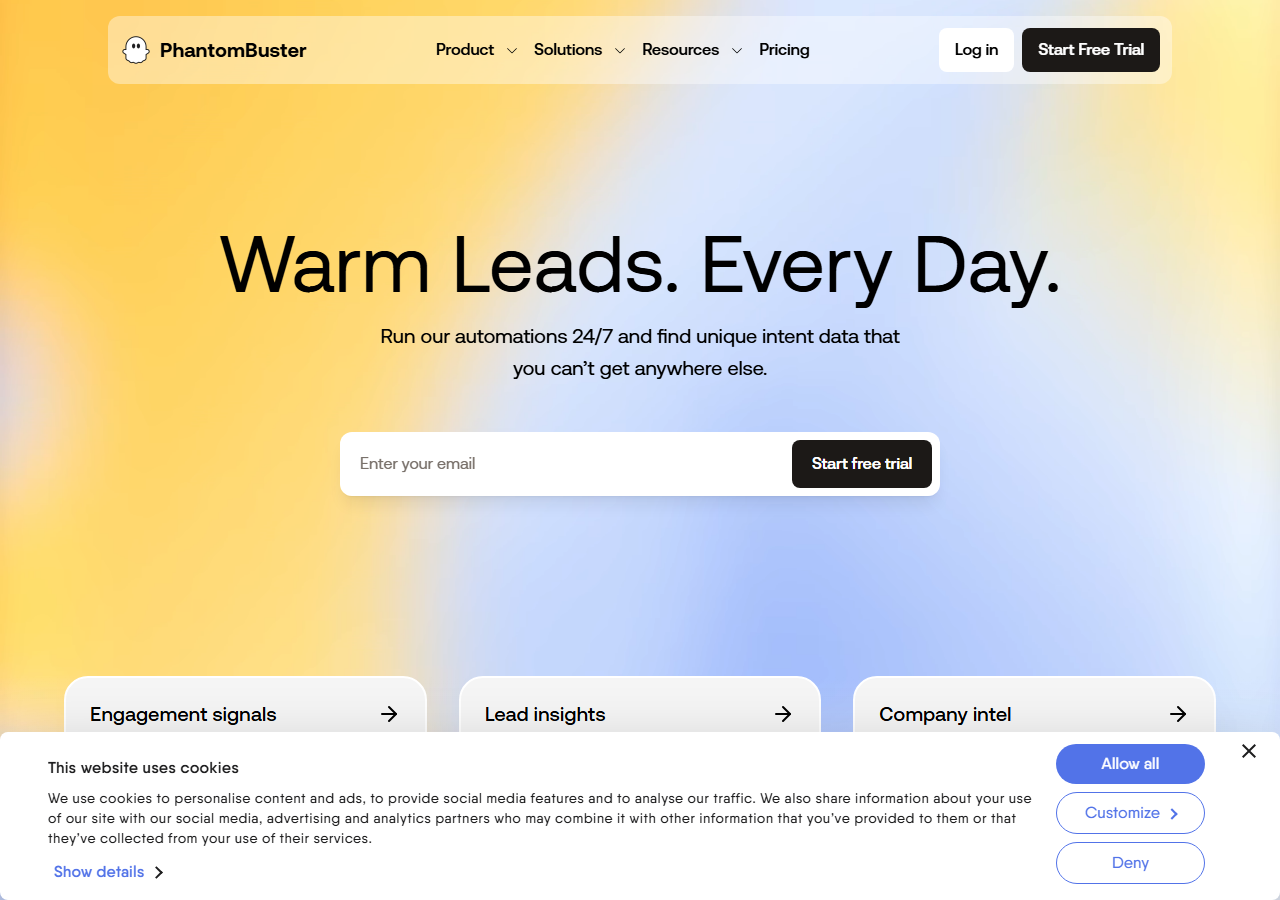
PhantomBuster was the best fit for marketers who already work from a logged-in session, scoring 83% on the public profile fields I pulled. It drives a browser session you authenticate, so results depend on the health of that session and your rate limits more than on IP reputation. That model suits ongoing marketing automation and adds account exposure that a logged-off API avoids.
What it returns. Profile fields and connection data through ready-made “phantoms,” exported to CSV or pushed to your CRM. It chains nicely into outreach sequences, which is its real strength.
- Ready-made phantoms for marketing automation
- Integrates into outreach and CRM flows
- Clear per-slot pricing
- Runs from your authenticated session, which exposes your account to Meta's terms
- Throughput is capped by session rate limits
Pricing. Priced per execution-hour and slot, with no per-1,000-profile rate, starting in the low tens of dollars per month. Cost per profile depends on how fast your phantoms run.
Best for. Growth and marketing teams running session-based automation alongside outreach.
Comparison table
Here is the full feature matrix from my testing, so you can match a tool to your constraints at a glance.
| Feature | ChocoData | Bright Data | Apify | Oxylabs | Outscraper | PhantomBuster |
|---|---|---|---|---|---|---|
| Parsed JSON out of the box | yes | yes | yes | yes | yes | partial |
| About block as named fields | yes | partial | yes | yes | partial | partial |
| No proxy setup needed | yes | yes | yes | yes | yes | yes |
| Logged-off (no account) | yes | yes | yes | yes | yes | no |
| Free tier | yes | trial | yes | trial | yes | trial |
| No-code UI | no | partial | yes | partial | yes | yes |
| Best for | overall | scale | actors | enterprise | no-code | sessions |
What teams use Facebook profile data for
Teams pull Facebook profile data mostly for enrichment and research, and the use case decides how much volume you need and therefore which tool fits. The four I see most often:
- Lead enrichment: filling in name, page URL, and public contact fields against a list of companies or people, usually steady batch collection. This is the most common reason teams reach for a profile scraper.
- Competitor and influencer analysis: tracking public page follower counts and posting cadence, where follower data and post fields matter most.
- Market research: profiling categories of pages to understand a segment, often bursty around a launch or campaign.
- Audience and community mapping: connecting public profiles to groups and topics to understand where an audience gathers.
Most of these need clean public fields at moderate volume, well below the millions-of-profiles scale that justifies the heaviest tools, so the right pick is usually the one that returns complete fields with the least operational overhead. Whatever you collect, the legal and privacy footing matters, which the next two sections settle.
Is scraping Facebook profiles legal
Scraping public Facebook profile data while logged out stands on firm ground in the United States, and the key precedent is recent. In January 2024, Senior U.S. District Judge Edward Chen granted summary judgment for Bright Data in Meta v. Bright Data, holding that Meta’s Facebook and Instagram terms bind only users who are logged in. As the opinion put it, the terms “do not bar logged-off scraping of public data,” so they could not bar Bright Data’s logged-off activity. Meta then dropped the case on February 23, 2024 and waived its right to appeal.
That decision builds on the better-known hiQ Labs v. LinkedIn line, where the Ninth Circuit held that scraping publicly accessible data does not violate the Computer Fraud and Abuse Act. The same case carries the clearest warning: hiQ got into trouble for using contractors to create fake accounts and collect logged-in data. The dividing line in both rulings is the account. Logged-off collection of public data is defensible, and logging into an account to scrape pulls you under the platform’s terms. I walk through the full picture in my guide on whether scraping Facebook is legal.
Staying compliant when profiles contain personal data
A favorable contract ruling does not exempt you from privacy law, because a Facebook profile is built from personal data. Under Article 4 of the GDPR, personal data is any information relating to an identified or identifiable person, including a name, an online identifier, or a profile photo. A public profile is still personal data, and the fact that someone can see it does not by itself give you a lawful basis to collect and store it at scale.
Regulators have made the cost of ignoring that concrete. In September 2024 the Dutch Data Protection Authority fined Clearview AI 30.5 million euros for building a facial-recognition database from scraped public photos without a legal basis, and ordered it to stop (EDPB notice). The lesson I take from it is practical: collect only the public fields you actually need, establish a lawful basis such as legitimate interest where the GDPR applies, honor deletion requests, and avoid sensitive categories entirely. The legal route is to scrape narrowly and store responsibly.
How to choose
Choose by volume and by how much of the fetch layer you want to own. If you want Facebook profile data as JSON with no proxy or session work, a managed API like ChocoData was the cleanest in my testing and the cheapest per usable profile. If you are running very large jobs, Bright Data’s proxy depth pays off. If you want to control the scraping logic, Apify’s actors give you that, and if you need a contract and an SLA, Oxylabs fits. For a no-code export, Outscraper is the quickest start, and for session-based marketing automation, PhantomBuster slots into outreach flows.
The one path I would avoid is logging into a Facebook account to scrape, or assembling your own residential proxy pool to dodge the anti-bot wall, unless proxy management is itself the thing you want to build. Logged-in scraping pulls you under Meta’s terms, and for most teams the time cost of a home-grown proxy stack outweighs the savings. The cleaner route is a logged-off managed API that returns the public fields you need, which is the same conclusion I reached in my overview of what Facebook scraping is.
FAQ
What is the best Facebook profile scraper in 2026?
In my testing the best overall Facebook profile scraper was ChocoData, which returned parsed JSON at a 96% success rate on public profiles without any proxy setup on my side. Bright Data was the strongest option for very large pulls and Apify was the best actor-based platform.
Is scraping Facebook profiles legal?
Scraping public Facebook profile data while logged out sits on firm legal ground in the United States. In Meta v. Bright Data a federal judge ruled in January 2024 that Meta's terms only bind logged-in users, so logged-off scraping of public data does not breach them. Personal data still falls under privacy laws like the GDPR, so collect lawfully. See my guide on whether scraping Facebook is legal.
How much does a Facebook profile scraper cost?
Pricing in this comparison ran from about $0.60 per 1,000 profiles on a managed API like ChocoData up to roughly $1.50 per 1,000 on Bright Data's public pay-as-you-go tier and $2 to $4 per 1,000 on Apify's Facebook actors, with session-based tools like PhantomBuster priced per execution-hour instead. A managed API is usually cheaper than running your own residential proxy pool once you account for retries on blocked requests.
Can you scrape a Facebook profile without logging in?
Yes, for the public fields a profile exposes when logged out: name, profile or page URL, profile photo, public bio, and public posts. Logged-out collection also keeps you clear of the terms that a 2024 federal ruling found apply only to logged-in accounts. A managed API such as ChocoData handles the logged-off fetch and parsing for you.