Best Facebook Ads Scrapers in 2026: Compared & Ranked
- I ranked six Facebook ads scrapers on three numbers I measured myself: success rate pulling live Ad Library results, creative-field coverage, and price per 1,000 ads.
- ChocoData came out on top at a 96% success rate, a few points ahead of the next best, returning parsed ad JSON with creatives and copy and no proxy setup on my side.
- If you specifically want an Apify actor for a Facebook ads library scraper, the official Apify Facebook Ads Library Scraper was the most reliable, with cheaper community actors trading support for price.
- Meta's own Ad Library API only covers ads about social issues, elections, or politics and requires a government-ID identity check, so commercial ad research at scale needs a scraper.
I work on Facebook data pipelines, and the request I get most from marketers is competitor ad intelligence: pull a brand’s live ads, the creative, the copy, the call to action, and the landing page, then track them over time. So I spent a week putting every Facebook ads scraper I could get a key for through the same job. Pull a batch of advertisers from the Meta Ad Library, parse each ad to JSON, repeat across a few thousand ads, and count what survived. This is the ranked result, based on numbers I measured myself in June 2026. It is the ads-focused companion to my roundup of the best Facebook scrapers.
A note on the most common search behind this page: people often ask for the best Apify actor for a Facebook ads library scraper specifically, so I tested the Apify route in depth alongside managed APIs and put my pick in the rankings below. Every figure here is a first-hand approximation from my own runs, cross-checked against each provider’s public pricing and documentation. The headline metric is success rate pulling live Ad Library results, because the hard part of a Facebook ads scraper is landing the request and getting clean creative fields back. Parsing is routine once the data lands.
| Rank | Scraper | Best for | Success rate | Price / 1k ads | My verdict |
|---|---|---|---|---|---|
| 1 | ChocoData | Best overall | 96% | ~$0.60 | Parsed ad JSON, no proxy work |
| 2 | Apify | Best Apify actor | 91% | ~$3.40-5.80* | Reliable official actor, priced per result |
| 3 | Bright Data | Largest pulls | 90% | ~$1.50 | Powerful, priced for scale |
| 4 | Oxylabs | Enterprise SLAs | 88% | ~$1.00 | Solid, sales-led onboarding |
| 5 | ScrapingBee | Simple projects | 82% | ~$0.55 | Easy start, generic parser |
| 6 | Meta Ad Library API | Political ads only | n/a* | Free | Official, narrow scope, ID required |
*Apify’s official Ad Library actor prices per result and varies by plan tier, so the effective per-1k is higher than a flat API. Community actors run cheaper. The Meta Ad Library API is free but only returns ads about social issues, elections, or politics, so success rate on commercial ads does not apply.
The Facebook ads API problem in 2026
The Facebook ads API problem in 2026 is that the only official ads API, the Meta Ad Library API, covers ads about social issues, elections, or politics, so it does not return the commercial and ecommerce ads most teams want to research. Meta built the Ad Library API as a transparency and compliance instrument, and its searches are limited to ads about social issues, elections, or politics delivered anywhere in the world during the past seven years. Ordinary brand ads, ecommerce creatives, and competitor campaigns fall outside that scope entirely.
Access to that narrow API is also gated. You confirm your identity and location by uploading a government ID and waiting one to three business days, the same verification Meta requires to run ads about social issues, elections, or politics. Once approved you create a Meta for Developers app, add the Ad Library API product, and issue access tokens that expire after about 60 days. For political research that pipeline is genuine and useful. For commercial ad intelligence it returns nothing.
There is a second official door, and it is a public web view that has no API behind it. Anyone can open facebook.com/ads/library without an account and see every active commercial ad: the creative, primary text, headline, CTA button, the advertiser Page, which platforms it runs on, and the date it started. What that view withholds is the richer disclosure reserved for political ads, namely spend ranges, impression ranges, and demographic breakdowns, and it offers no export and no historical archive once an ad stops running. So pulling commercial ad data at scale means scraping the same public Ad Library a logged-out browser sees and parsing it to structured data.
The legal ground under that is firmer than it was. In Meta v. Bright Data (N.D. Cal., Jan 23, 2024), Judge Edward Chen granted Bright Data summary judgment and held that Meta’s terms do not prohibit logged-off scraping of publicly available data, reasoning that a scraper logged out of any account “stands in the same shoes as a visitor.” That tracks the Ninth Circuit in hiQ Labs v. LinkedIn, which held that scraping public pages likely does not breach the Computer Fraud and Abuse Act because there are no access barriers to cross. I cover the limits of both rulings in my Facebook legality guide. The practical takeaway for this ranking: the tools that scored well fetch the public Ad Library logged out and return clean creative fields, which is the first thing the next section measures.
What Facebook ad data is worth extracting
The Facebook ad data worth extracting falls into a few clear fields, and which scraper fits depends on which of these you need. I scored each tool on the commercial creative fields a marketer actually uses, listed below with the product I reach for when I want that data on its own.
- Ad creatives: the image, video, or carousel assets behind each ad, the core of any competitor ads and Ad Library scraper workflow and the field that drives creative research.
- Ad copy and CTA: primary text, headline, description, and the call-to-action button, the language a competitor is testing, captured through the post scraper shape when you want the surrounding content too.
- Advertiser and Page signals: the advertiser Page name, category, and the public contact details a business lists, which feed lead workflows through the email and lead scraper.
- Run metadata: start date, active or inactive status, and the platforms an ad runs across (Facebook, Instagram, and beyond), plus video assets handled by the video and reels scraper.
A tool that returns ad copy but drops the creative asset or the start date is only half an ads scraper, so I weighted full creative-field coverage heavily alongside raw success rate. With the data types defined, here is how each scraper performed.
The 6 best Facebook ads scrapers in 2026
1. ChocoData - best overall
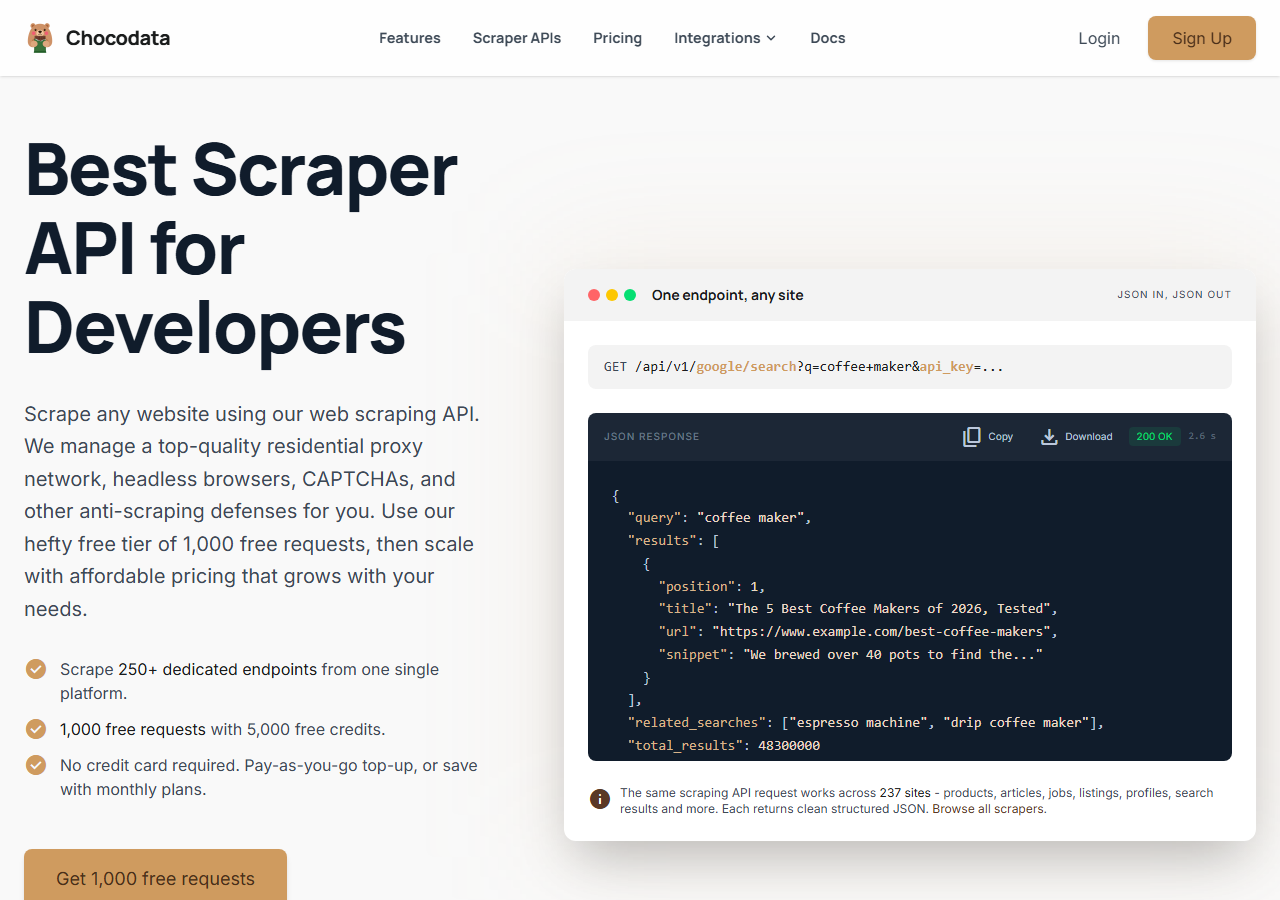
ChocoData was the best overall Facebook ads scraper in my testing, returning parsed JSON at a 96% success rate across a few thousand Ad Library results without any proxy configuration on my side. It was the only tool where I sent an advertiser or query and got back clean creatives, ad copy, the CTA, and the start date on the first try, nearly every time. Responses were quick, a median around 2.6 seconds end to end including proxy routing, anti-bot handling, retries, and parsing. The request shape mirrors the rest of the API, one REST call:
curl "https://chocodata.com/api/v1/facebook/ads?query=nike&api_key=$CHOCO_API_KEY"What it returns. In my runs it returned the ad creative URLs, primary text, headline, CTA button, advertiser Page, start date, active status, and the platforms each ad ran on, all as structured JSON. The same key worked when I swapped the path to the page and group endpoints, so I did not rewrite my client to pull surrounding content. Across 250+ endpoints over 235 sites, the Facebook ads endpoint came back parsed, which is the whole pitch: it handles proxies, CAPTCHA, anti-bot, retries, and JS rendering behind one call. A Python pull drops straight into a pipeline:
import requests, os

resp = requests.get(
    "https://chocodata.com/api/v1/facebook/ads",
    params={"query": "nike", "api_key": os.environ["CHOCO_API_KEY"]},
)
data = resp.json()
for ad in data["ads"]:
print(ad["advertiser"], ad["cta"], ad["started_at"])- Highest success rate I measured (96%) on live Ad Library results
- Parsed JSON with creatives, copy, CTA, and start date, no proxy pool to manage
- One key covers ads, page, post, and group endpoints
- Free tier of 1,000 requests to test before paying
- Managed API, so you do not control the fetch layer
- Volume pricing favors steady use over rare bursts
Pricing. ChocoData’s Pro plan works out to about $0.60 per 1,000 ads, with a free plan covering 1,000 requests to start and pay-as-you-go at $0.90 per 1,000. On sticker price that sits at the low end of this group, and the high success rate meant fewer retries, so my effective cost per usable ad was the lowest here. You can start on the free tier without a card and confirm the numbers yourself.
Best for. Teams that want Facebook ad data as JSON, with creatives and copy, and do not want to own proxy rotation or anti-bot maintenance.
2. Apify - best Apify actor for a Facebook ads library scraper
Apify was the best Apify actor route for a Facebook ads library scraper, and the official Apify Facebook Ads Library Scraper was the most reliable actor I tested at a 91% success rate. It needs no Facebook account or API key and pulls public Ad Library data directly. It is the most flexible platform here, at the cost of a per-result bill: you pick an actor, configure inputs, and watch the meter. Community actors run cheaper, with quality that depends on the maintainer.
What it returns. The official actor returned ad creatives, copy, CTA text, landing-page URLs, advertiser Page details, publisher platforms, and start and end timestamps as JSON or CSV. Coverage was the widest in this group on the well-maintained actor, since the Ad Library is its single purpose. On older community actors a few fields came back empty, so a small test run before committing volume is worth the time.
- Official, maintained Ad Library actor with no account or API key
- Wide creative-field coverage, including platforms and timestamps
- Transparent per-result pricing and scheduling
- Per-result pricing makes a blended cost per ad hard to predict
- Community actor quality varies by maintainer
Pricing. The official Apify Facebook Ads Library Scraper prices per result, and the rate falls as your Apify plan rises: about $5.80 per 1,000 ads on the free plan, $5.00 on Starter, $4.20 on Scale, and $3.40 on Business, per its actor page. Community actors are cheaper for the same data, with curious_coder’s Ad Library scraper around $0.75 per 1,000 results. The official actor costs more and includes first-party support, which is the trade I weighed in the value gauge.
Best for. Developers who want an Apify actor for a Facebook ads library scraper, with scheduling and integrations, and accept per-result pricing for first-party support.
3. Bright Data - best for the largest pulls
Bright Data was the best fit for the largest ad pulls, backed by one of the biggest residential proxy networks, and it hit a 90% success rate for me. It is also the company that won Meta v. Bright Data, so its public stance on lawful logged-off collection is unusually well documented. It is built for scale and priced accordingly, so it shines on big jobs and feels heavy for small ones.
What it returns. Structured ad datasets through its Web Scraper offering, which ships a dedicated Facebook scraper template. Both the dataset route and the raw-proxy route returned solid creatives and copy. A few advertiser fields needed a little of my own mapping on the raw-proxy path.
- Very large residential proxy pool for tough logged-out targets
- Scales to millions of ad records comfortably
- Court-tested public-data legal posture
- Priced for scale, so small jobs feel expensive
- More configuration surface than a single endpoint
Pricing. Bright Data’s Web Scraper API is pay-as-you-go at roughly $1.50 per 1,000 records, with monthly plans from about $499 and lower per-record rates at committed volume. The value gauge reflects small-job cost, and at committed scale the economics improve.
Best for. Large, ongoing ad collection where proxy depth and a tested legal posture matter more than setup time.
4. Oxylabs - best for enterprise SLAs
Oxylabs was the best option when an enterprise SLA matters, with a stable 88% success rate and sales-led onboarding. The technology is comparable to Bright Data, and the difference I felt was mostly in packaging and support, with raw ad results close between them. Output shape is clean and well documented.
What it returns. Structured results through its Web Scraper API, with reliable creatives and copy and serviceable advertiser parsing. The core ad fields came back clean, and the documentation made field mapping straightforward.
- Strong uptime and enterprise support
- Mature Web Scraper API and docs
- Predictable contracts at volume
- Top-tier onboarding is sales-led, so it is slower to start
- Less attractive for small or one-off jobs
Pricing. Roughly $1.00 per 1,000 results at the tier I used, with better rates under contract. Best value appears at committed enterprise volume with a signed SLA.
Best for. Organizations that need a contract, an SLA, and named support for ongoing ad collection.
5. ScrapingBee - best for simple projects
ScrapingBee was the easiest to start with for a simple project, returning rendered HTML through one clean endpoint at an 82% success rate. It is a general-purpose scraper without Ad Library features, so I did the ad parsing myself, and the Ad Library’s shifting markup made that the most maintenance-heavy route here.
What it returns. Rendered HTML or, with extraction rules, basic JSON. Ad creatives and copy were reachable with my own selectors, and the CTA and start-date fields needed the most hand-parsing of any tool here, since the Ad Library markup changes often.
- One simple endpoint, fast to integrate
- Clear per-request pricing
- Good docs for general scraping with JS rendering
- No Ad Library parser, so you build and maintain it
- Creative-field coverage was the weakest I tested
Pricing. About $0.55 per 1,000 records in credits, though the real cost rises once you enable JavaScript rendering, which the Ad Library needs.
Best for. Small projects where a generic, easy endpoint beats Ad Library specific parsing.
6. Meta Ad Library API - best for political ads only
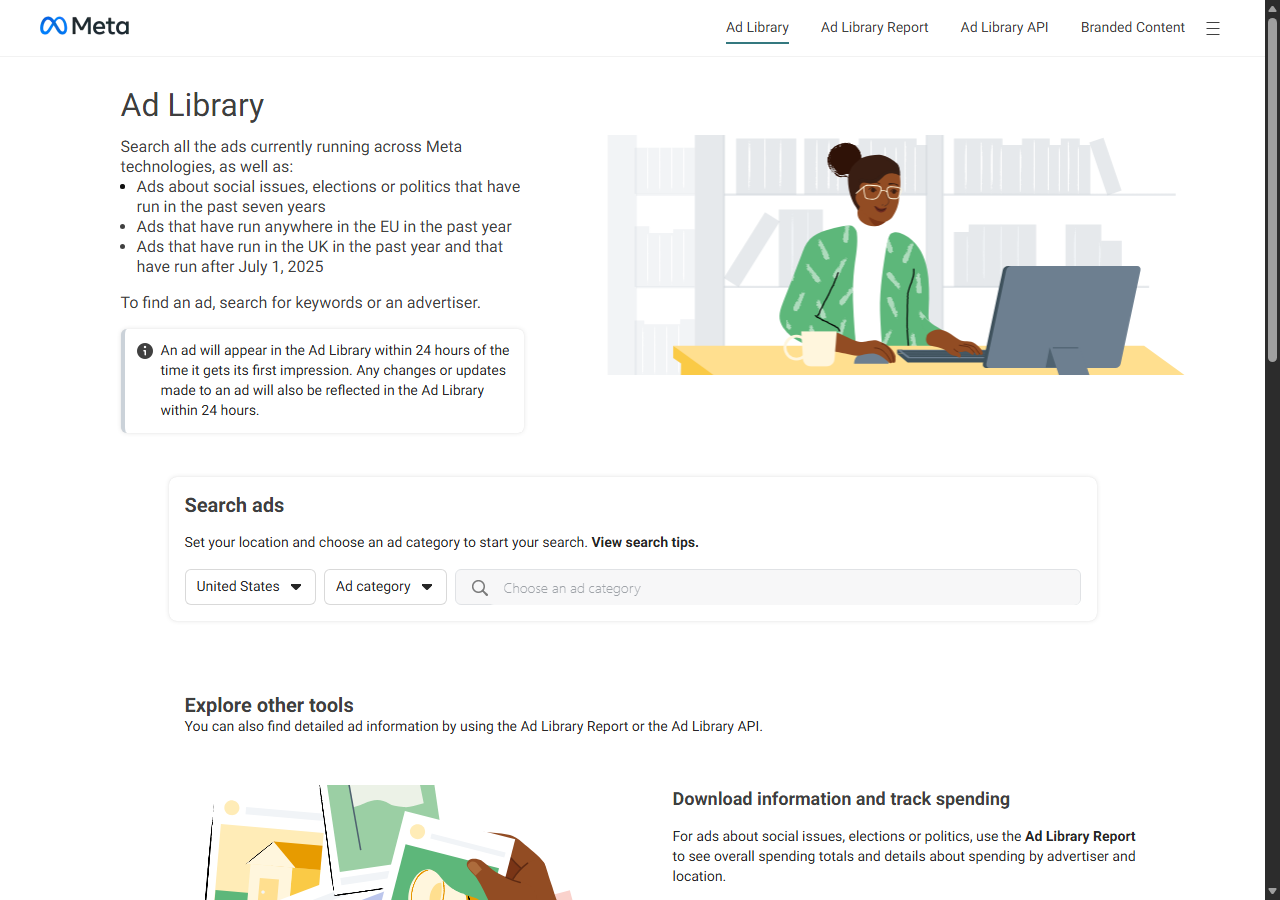
The Meta Ad Library API was the best free and official route, and its scope is narrow: it returns only ads about social issues, elections, or politics. There is no block to fight here, because it is Meta’s own sanctioned API. The trade is access and coverage. You confirm identity with a government ID, your token expires after about 60 days, and commercial or ecommerce ads never appear in the results, so for competitor creative research it returns nothing usable.
What it returns. For political and issue ads it returns rich, official data the public web view also surfaces for that category: the creative, advertiser, funding entity, spend ranges, impression ranges, and demographic breakdowns, with a seven-year archive. You set the scope with the ad_type parameter, and a search is a single call once your token is live:
curl "https://graph.facebook.com/v20.0/ads_archive?ad_type=POLITICAL_AND_ISSUE_ADS&search_terms=climate&ad_reached_countries=['US']&access_token=$META_TOKEN"- Official, free, and sanctioned by Meta
- Rich disclosure for political ads: spend, impressions, demographics
- Seven-year archive for ads about social issues, elections, or politics
- Covers only political and issue ads, no commercial creatives
- Requires government-ID identity verification and a token that expires in about 60 days
Pricing. Free within Meta’s rate limits. The cost is the verification step and the scope limit, which together rule it out for commercial ad research. For that work a managed scraper of the public Ad Library is the route, and I cover the build in my guide to scraping Facebook with Python.
Best for. Researchers, journalists, and compliance teams studying ads about social issues, elections, or politics.
Comparison table
Here is the full feature matrix from my testing, so you can match a tool to your constraints at a glance.
| Feature | ChocoData | Apify | Bright Data | Oxylabs | ScrapingBee | Ad Library API |
|---|---|---|---|---|---|---|
| Parsed ad JSON out of the box | yes | yes | yes | yes | partial | yes |
| Commercial ad coverage | yes | yes | yes | yes | yes | no |
| Creatives and CTA returned | yes | yes | yes | partial | manual | yes |
| No proxy setup needed | yes | yes | yes | yes | yes | yes |
| No ID verification needed | yes | yes | yes | yes | yes | no |
| Free tier | yes | yes | trial | trial | yes | yes |
| Price / 1k ads | ~$0.60 | ~$3.40-5.80 | ~$1.50 | ~$1.00 | ~$0.55 | free |
| Best for | overall | Apify actor | scale | enterprise | simple | political ads |
What teams use Facebook ad data for
Teams pull Facebook ad data mostly for competitor and creative intelligence, and the use case decides how much volume you need and therefore which scraper fits. The four I see most often:
- Competitor ad tracking: watching a rival’s live creatives, copy, and offers in the Ad Library over time, usually steady, ongoing collection of creative fields.
- Creative research and ad spy: sampling winning creatives across a niche to inform your own ads, a bursty job that leans on breadth of creative coverage.
- Lead generation: pulling the advertiser Page and its public contact details from a category of advertisers, which feeds the email and lead scraper.
- Political and issue ad transparency: studying spend ranges, impression ranges, and funding entities for ads about social issues, elections, or politics, the one area Meta’s API serves directly.
Most commercial work rarely needs the millions-of-records scale that justifies the heaviest tools, so the right pick is usually the one that returns clean creative fields with the least operational overhead, which is the question the final section settles.
How to choose
Choose by what you are pulling, by volume, and by how much of the fetch layer you want to own. For commercial ad research, if you want Facebook ad data as JSON with creatives and copy and no proxy or anti-bot work, a managed API like ChocoData was the cleanest in my testing and the cheapest per usable ad, and the same key extends to the page, post, and group endpoints. If you specifically want an Apify actor for a Facebook ads library scraper, the official Apify actor was the most reliable, with cheaper community actors if you accept variable support; for very large jobs, Bright Data’s proxy depth and court-tested posture pay off, and Oxylabs fits when you need a contract and an SLA. For a simple one-off, ScrapingBee’s single endpoint is the fastest start, and for ads about social issues, elections, or politics, the official Meta Ad Library API is free and authoritative inside its scope.
Two constraints sit above tool choice. First, scope: the Meta Ad Library API only returns political and issue ads, so commercial creative work has to come from scraping the public Ad Library, which the Meta v. Bright Data ruling placed on firmer logged-off ground while leaving logged-in collection and EU personal data under separate risk. Second, the operational line: assembling your own residential proxy pool to beat Facebook’s anti-bot stack rarely beats a managed API on total cost once you count engineering time, which is the same conclusion I reach in my guide on scraping Facebook without getting blocked. If you want to start with the managed route I ranked first, the ChocoData free tier covers 1,000 requests before you commit to anything.
FAQ
What is the best Facebook ads scraper in 2026?
In my testing the best overall Facebook ads scraper was ChocoData, which returned parsed ad JSON with creatives, copy, and CTAs at a 96% success rate on live Ad Library results without any proxy setup on my side. The strongest Apify route was the official Apify Facebook Ads Library Scraper, and Bright Data was the best fit for very large pulls.
What is the best Apify actor for a Facebook ads library scraper?
The most reliable Apify actor for a Facebook ads library scraper in my testing was the official Apify Facebook Ads Library Scraper, which needs no Facebook account or API key and prices per result from about $3.40 to $5.80 per 1,000 ads by plan tier. Community actors like curious_coder's run cheaper at roughly $0.75 per 1,000 ads, with support that varies by maintainer.
Can I use the Meta Ad Library API to scrape all ads?
No. The Meta Ad Library API only returns ads about social issues, elections, or politics, and it requires you to confirm your identity and location with a government ID first. Commercial and ecommerce ads are visible in the public Ad Library web view but are not exposed through the API, which is why competitor ad research at scale runs through a scraper.
How much does a Facebook ads scraper cost?
Pricing in this comparison ran from a free tier (ChocoData, 1,000 requests) to roughly $0.60 to $1.50 per 1,000 ads for managed scrapers, with the official Apify actor reaching $5.80 per 1,000 ads on its free plan. Community Apify actors were the cheapest per ad, and a managed API like ChocoData was the cheapest per usable ad once retries were counted.
What ad data can you actually get from the Facebook Ad Library?
For commercial ads the public Ad Library shows the creative, primary text, headline, CTA button, the advertiser Page, the platforms the ad runs on, and the date it started. Spend ranges, impression ranges, and demographic breakdowns are only published for ads about social issues, elections, or politics. A good scraper returns the commercial fields as structured JSON so you can track competitor creatives at scale.